
Which files to upload
Upload all documents that are relevant to your paper and that you would not sensibly put into the Free-form input. This is especially useful for longer documents, existing sources or university requirements.
Common document and data formats such as PDF, XLSX, BIB, RIS or CSV are usually suitable. A file may be up to 20 MB; PDF processing is also limited to 600 pages per file.
- assignment brief, proposal draft or grading rubric
- sources, PDFs, book excerpts or articles
- reference lists, BibTeX, RIS or CSV files
- appendices, datasets or empirical material
- your own notes, if they exist as a file
If your file is larger than 20 MB or has more than 600 pages
Try compressing the file first. For very extensive sources, it is often better to keep only the chapters or pages that are truly relevant to your paper.
If the file is a Source, do not split it artificially into several parts just because of the upload limit. StudyTexter may treat those parts as separate sources, so they can later appear separately in the bibliography and require manual citation cleanup.
Which file types you can choose
After uploading, assign each file the right Type. This selection is important because StudyTexter uses it to decide how the file should be used in the rest of the workflow. The Description / Notes field is used differently depending on the file type.
General
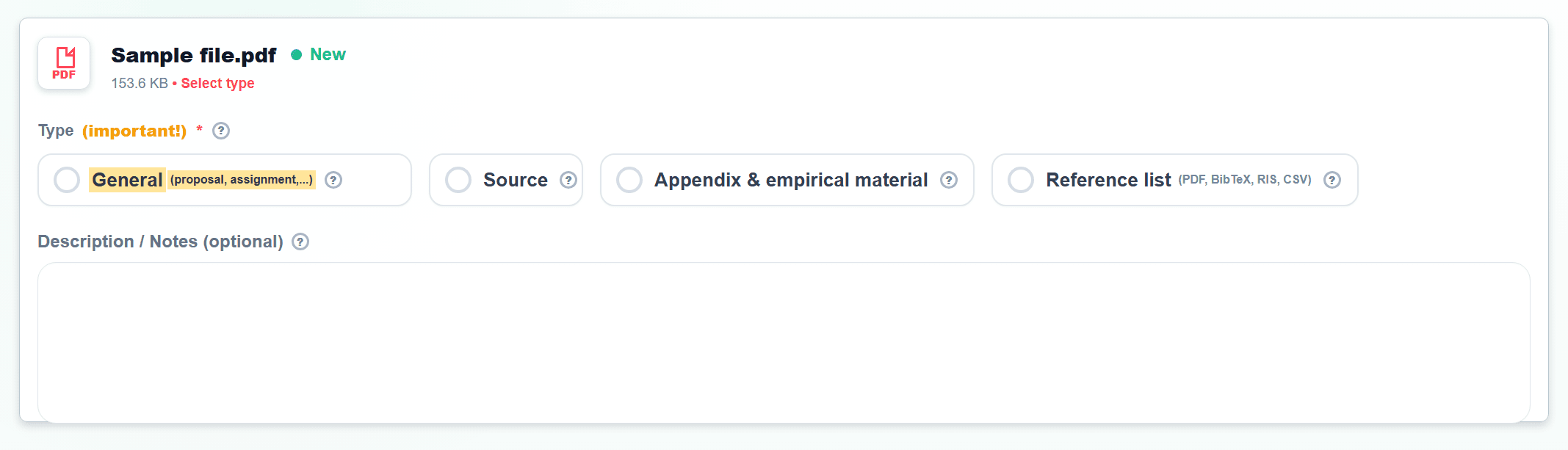
General fits files that StudyTexter should understand as context: assignment briefs, proposal drafts, grading rubrics, formal university requirements or your own preparatory notes.
These files are usually not sources that should be cited later. They mainly help the AI classify requirements, boundaries and expectations correctly.
Files you can upload here
- proposal draft
- guide for academic writing
- your own notes
- chapters you have already written
- an older paper on a similar topic that should be improved or processed
- assignment brief, grading rubric or correction notes
- format template, module handbook or seminar plan
- university requirements for length, citation style or structure
Description / Notes
How StudyTexter uses this
Source
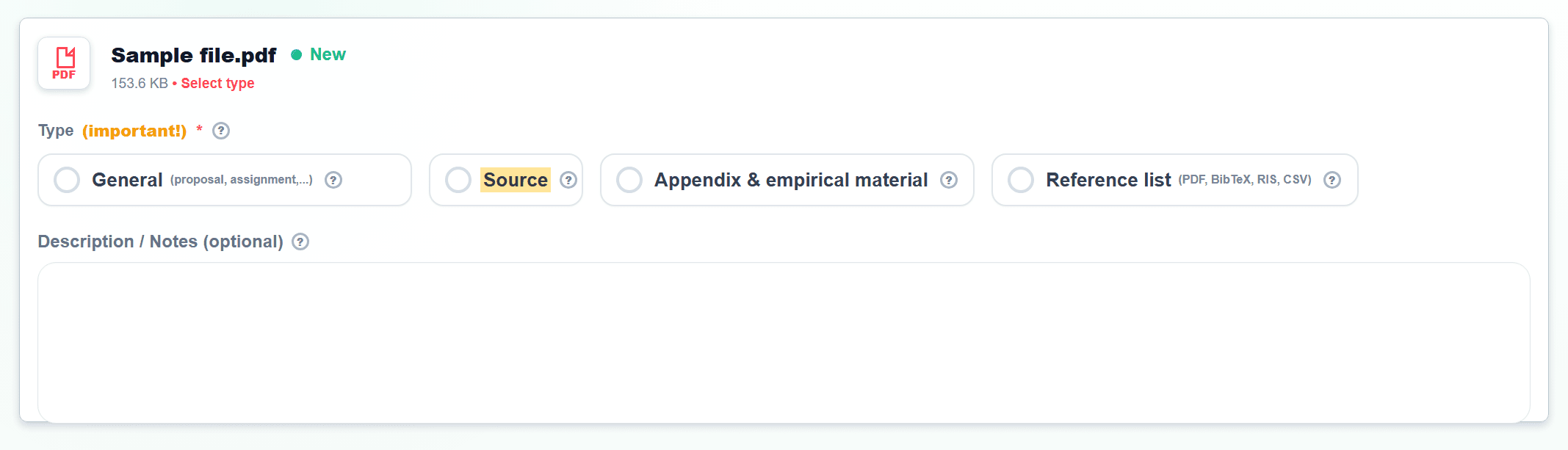
Use Source for academic articles, PDFs, book excerpts, studies, reports or other specialist texts that should be evaluated for content.
This label is especially important because sources can later matter for Source evaluation, literature references and Full text & Export. Files marked as Source will later appear in the bibliography of your paper and be cited in your paper.
Files you can upload here
- complete source with full text
- academic PDF article
- complete book chapter or longer book excerpt with page numbers
- study, research report or white paper
- legal text, standard, guideline or official document
- specialist text with author, year, title and visible main text
Description / Notes
How StudyTexter uses this
Appendix & Empirical Material
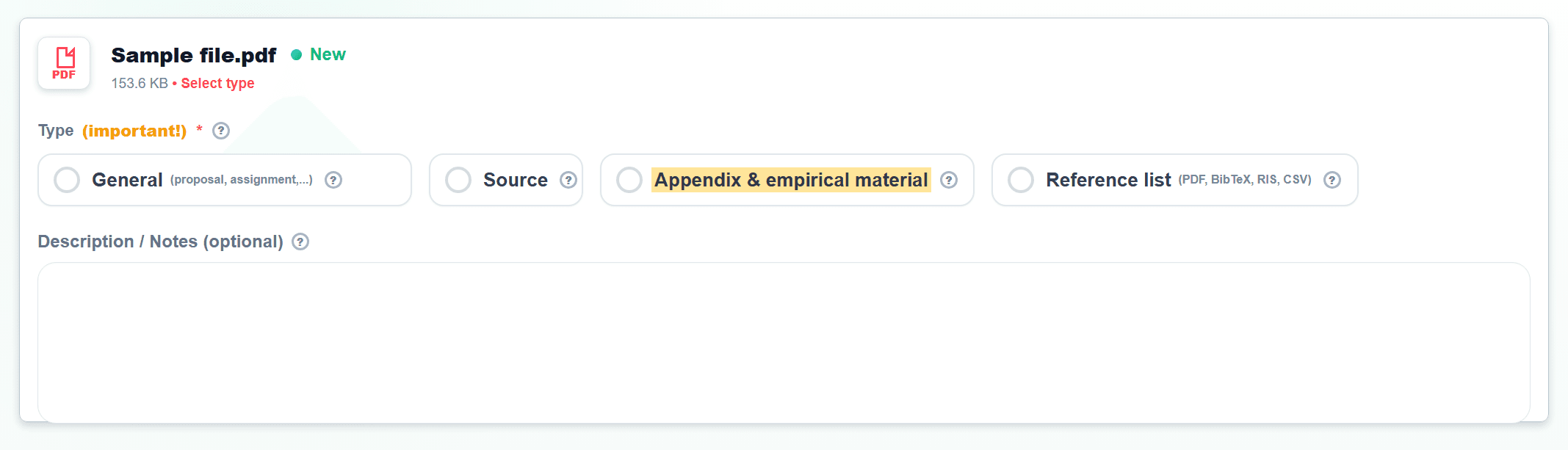
Appendix & Empirical Material fits questionnaires, interview guides, transcripts, analysis tables, raw data, figures or files that later belong in the appendix.
If your paper is empirical, this classification helps the AI keep methodology, data analysis and later appendices separate from normal source material.
Files you can upload here
- interview transcripts
- questionnaires or interview guides
- survey results, raw data or datasets
- analysis tables, codebooks or category systems
- figures, screenshots or appendix documents
- observation notes, case material or practice documents
Description / Notes
How StudyTexter uses this
Reference list
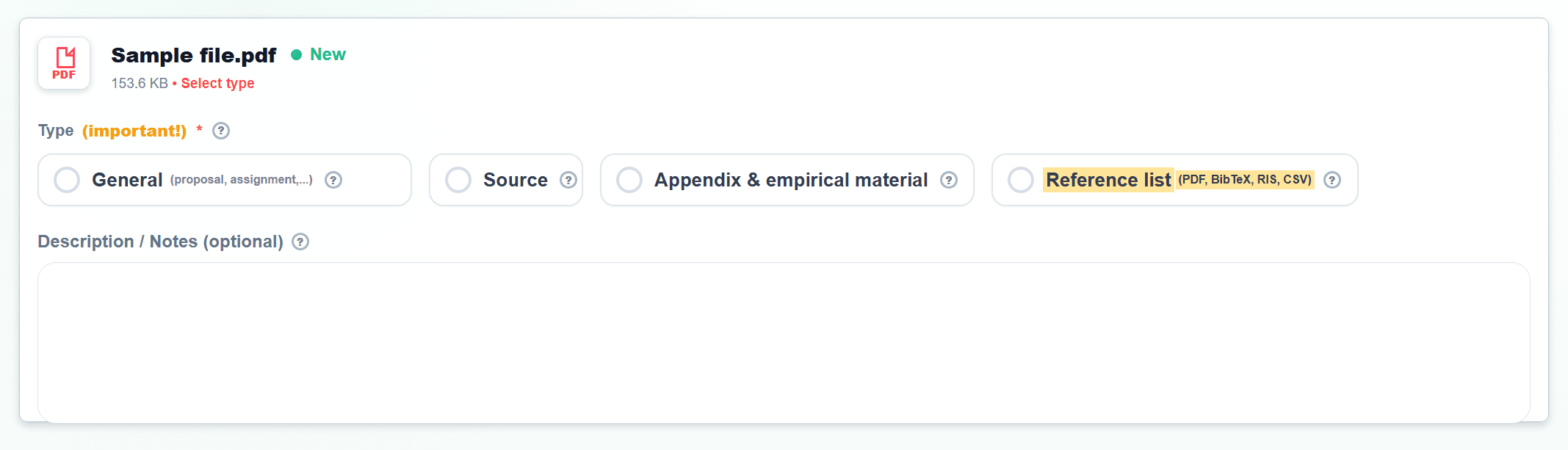
Reference list is meant for existing bibliographies, BibTeX, RIS or CSV files. A PDF list with collected references can also be classified here.
This file helps StudyTexter detect which literature has already been prepared and which sources should later be checked or used preferentially.
Files you can upload here
- bibliography from an existing paper
- BibTeX, RIS or CSV file from a reference manager
- Word or PDF file with collected references
- export from Zotero, Citavi, Mendeley or EndNote
- list with DOI, ISBN, URL or complete bibliographic data
- source list from your supervisor
Description / Notes
How StudyTexter uses this
If you want to work only with your own sources
For Reference list, upload only the actual reference list: a file in which source details are collected. We cannot promise that every listed source can be found online or downloaded automatically.
If you want to work exclusively with your own literature search or your own uploads, it is best to upload the existing sources individually as Source as well. The full text matters, not just the bibliographic entry.
In the Settings step, also choose the option No literature search so StudyTexter does not look for additional literature. Settings · No literature search
How the AI processes your files
The AI does not use all uploaded files in the same way. A Source can later matter for citations and literature references. An assignment brief is more useful for understanding requirements and boundaries. Empirical material can influence later methodology and analysis steps.
That is why correct classification matters more than it may seem at first. If you mark a Reference list as a Source, the AI lacks the full text. If you classify empirical material as a normal Source, it may later be unclear whether it is meant as an appendix, dataset or citable literature.
Do not forget to save!
After making changes, confirm them with the Save button before moving to the next step.