




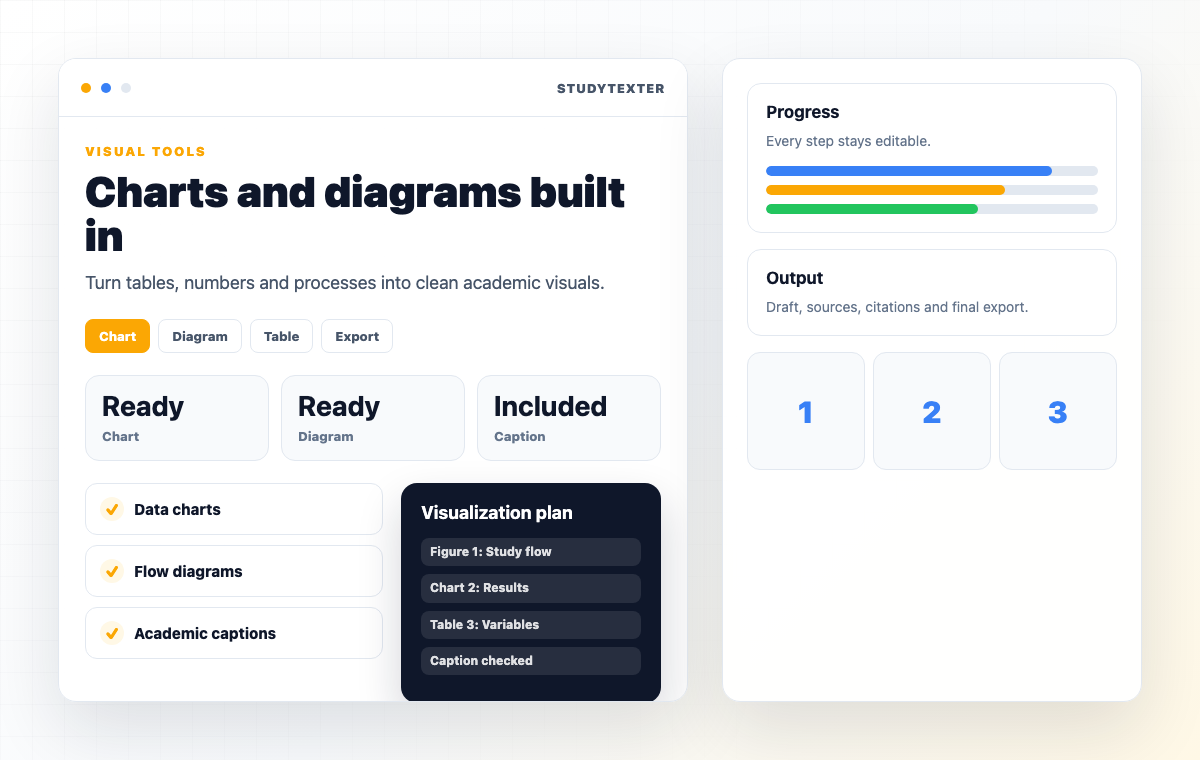





Free AI Chart Generator – Create Charts in Seconds
Table of contents
- 1) How to create a chart using our Chart generator
- How StudyTexter Can Help with Academic Writing
- 2) Chart gallery: What kinds of charts can our AI generate?
- 3) Key features that actually matter (before you pick a tool)
- Our StudyTexter AI - Academic paper in under 4 hours
- 4) Use cases: Who should use an AI chart generator?
- 5) How StudyTexter fits (for students writing research papers with charts)
- Building charts for a research paper? You still need more.
- 6) Prompt tips: How to get better charts (and avoid “pretty but wrong”)
- 7) Data privacy: Is it safe to upload my dataset?
- FAQ- Frequently Asked Questions
1) How to create a chart using our Chart generator
Our AI chart generator creates charts automatically from your input (data or text) + a short instruction:
- Describe what you want (“make a line chart, add labels…”)
- Refine + export
Paste Your Text
- ✓ Research results paragraphs
- ✓ Survey summaries
- ✓ Business updates (KPIs)
- ✓ Literature review sections
- ✓ CSV-like table text
Let AI Extract Data
- ✓ Categories & labels
- ✓ Numeric values
- ✓ Time ranges
- ✓ Units (% / € / counts)
- ✓ Best chart suggestion
Customize + Export
- ✓ Edit values (accuracy)
- ✓ Shorten labels
- ✓ Adjust colors
- ✓ PNG (fast export)
- ✓ SVG (perfect quality)
Key Takeaway
Free AI chart generator is only useful if you can edit and export cleanly. StudyTexter focuses on exactly that.
How StudyTexter Can Help with Academic Writing
If you need charts or diagrams for a term paper, seminar paper, or bachelor’s thesis, that’s often only part of the challenge. In most cases, research, structure, citation, and proper formatting take up just as much—if not more—time.
This is where StudyTexter can provide additional support: based on your specifications, you receive a scientifically structured draft (including outline, citations, and bibliography), which you can then enhance with appropriate charts and diagrams using our tools.
Important: The same rule applies when using StudyTexter—review, understand, and adapt the draft, and invest your own work (especially regarding subject accuracy, sources, writing style, and your university’s formal requirements).
Term paper, bachelor’s thesis, master’s thesis, and more
Plagiarism-free & AI evasion
With comprehensive plagiarism checks and an AI detection report.
With authentic sources and citations
Transparent evidence, clear structure, and convincing argumentation.
Including comprehensive literature research
Up-to-date academic sources, consistent citation style, and clear relevance.
Used by professional ghostwriters
Work with us to handle assignments efficiently.
2) Chart gallery: What kinds of charts can our AI generate?
Data Visualizations (Charts)
Piktochart lists, among others:Bar Chart
Line Chart
Pie Chart
Donut Chart
Histogram
Scatter/Bubble
Structure & Process Diagrams
Mind Maps
Flowcharts
ERD
UML Diagrams
Graphics, diagrams, and mind maps are typical visualizations that can be generated “easily” with AI tools—especially for learning and structuring information.
3) Key features that actually matter (before you pick a tool)
| Feature | StudyTexter | Typical AI Chart Tools | Excel/Sheets (Manual) |
|---|---|---|---|
| Text → Chart (auto extraction) | ✓ | Sometimes | ✗ |
| Edit values after generation | ✓ | ✓ | ✓ |
| Chart variety | 76+ options | Varies | Limited by setup |
| Export quality | PNG / SVG | Often paywalled | PNG/PDF (manual) |
| Speed to first chart | Fast (paste text) | Fast (if data is ready) | Slow (formatting) |
Data Sources: What Can You Use as Input?
Users often ask: “Can I connect CSV, Excel, Google Sheets, SQL?”
The practical answer (and why StudyTexter wins)
Most tools want clean tables. StudyTexter works even when your “data source” is:
- a written paragraph in a report
- a methods/results section in a paper
- a summary of survey outcomes
- copy/pasted rows (CSV-style text)
- bullet lists with metrics
StudyTexter is ideal when the data is trapped in text
Our StudyTexter AI - Academic paper in under 4 hours
Step 1
Enter your details
Tailored to your requirements: topic, task description, outline, number of pages, sources, and additional requirements.
Step 2
Planning & Research
The AI automatically researches verified academic sources, plans the paper logically, and creates a well-founded structure.
Step 3
Expert-Created Paper
Delivered by email in under 4 hours — that’s how quickly the finished paper arrives in your inbox. Writing (or having written) a paper has never been this easy or straightforward.
Step 1Enter your details
Tailored to your requirements: topic, task description, outline, number of pages, sources, and additional requirements.
Step 2Planning & Research
The AI automatically researches verified academic sources, plans the paper logically, and creates a well-founded structure.
Step 3Expert-Created Paper
Delivered by email in under 4 hours — that’s how quickly the finished paper arrives in your inbox. Writing (or having written) a paper has never been this easy or straightforward.
4) Use cases: Who should use an AI chart generator?
Students & Researchers
Example Prompt
"Survey (n=180): 52% prefer method A, 31% method B, 17% method C…"
Marketing & Content Teams
Analysts & Ops
Founders & Consultants
5) How StudyTexter fits (for students writing research papers with charts)
AI chart tools can generate something visually appealing that isn't statistically appropriate. Quick guardrails:
Charts are only half the job
Building charts for a research paper? You still need more.
If you're building charts because you're writing a research paper, term paper, or thesis, the chart is only half the job.
You still need:
That's where StudyTexter comes in
We generate a structured academic draft (not something you should submit 1:1), so you can spend your time on the parts your professor will actually ask you about — your reasoning, your data, and your final edits.
What we offer (high-level)
from €69
Fixed pricing (5-40 pages)
Under 4 hours
Fast delivery
Real sources
Citations + research-focused
A realistic student workflow (charts + draft)
Generate charts with an AI chart generator (Deepnote / Graphy / Quadratic / etc.)
Use those visuals to decide what your "results story" is
Have us generate a structured draft (with citations + format), then
You integrate your charts + rewrite/verify the results + adapt to your university rules
Important academic integrity note (seriously)
Our Terms & Conditions state that assignments created by StudyTexter must not be submitted or published 1:1 as one's own academic work — they're meant for inspiration and development of your own text concept.
If you're comparing costs
Classic per-page services 55€ - 100€
€1,100 – €2,000
total for 20 pages
StudyTexter
from €69
fixed price for a draft
6) Prompt tips: How to get better charts (and avoid “pretty but wrong”)
AI chart tools can generate something visually appealing that isn’t statistically appropriate. Quick guardrails:
1. Say what the audience should learn
“Highlight growth rate after month 6”
“Show distribution, not totals”
2. Tell the AI how to treat categories
“Group by department”
“Sort descending”
“Use a moving average”
3. Ask for a sanity check
“Flag outliers”
“Confirm that totals match the sum of categories”
4. Keep the dataset clean
clear column headers
consistent units
no mixed date formats
95% cheaper than hiring a university graduate
Delivery in just 4 hours
Only verified sources
Better than ChatGPT
7) Data privacy: Is it safe to upload my dataset?
“Safe” depends on your data sensitivity and the tool’s controls.
Practical checklist:
-
Don’t upload personal data unless necessary (names, emails, health info).
-
Prefer tools with access controls (password-protected sharing links, privacy controls).
-
If you need strict governance, look for enterprise options (e.g., self-hosting).
-
For student projects: anonymize survey data early (IDs instead of names).
Deepnote explicitly states it prioritizes privacy and that uploads stay private and secure.
